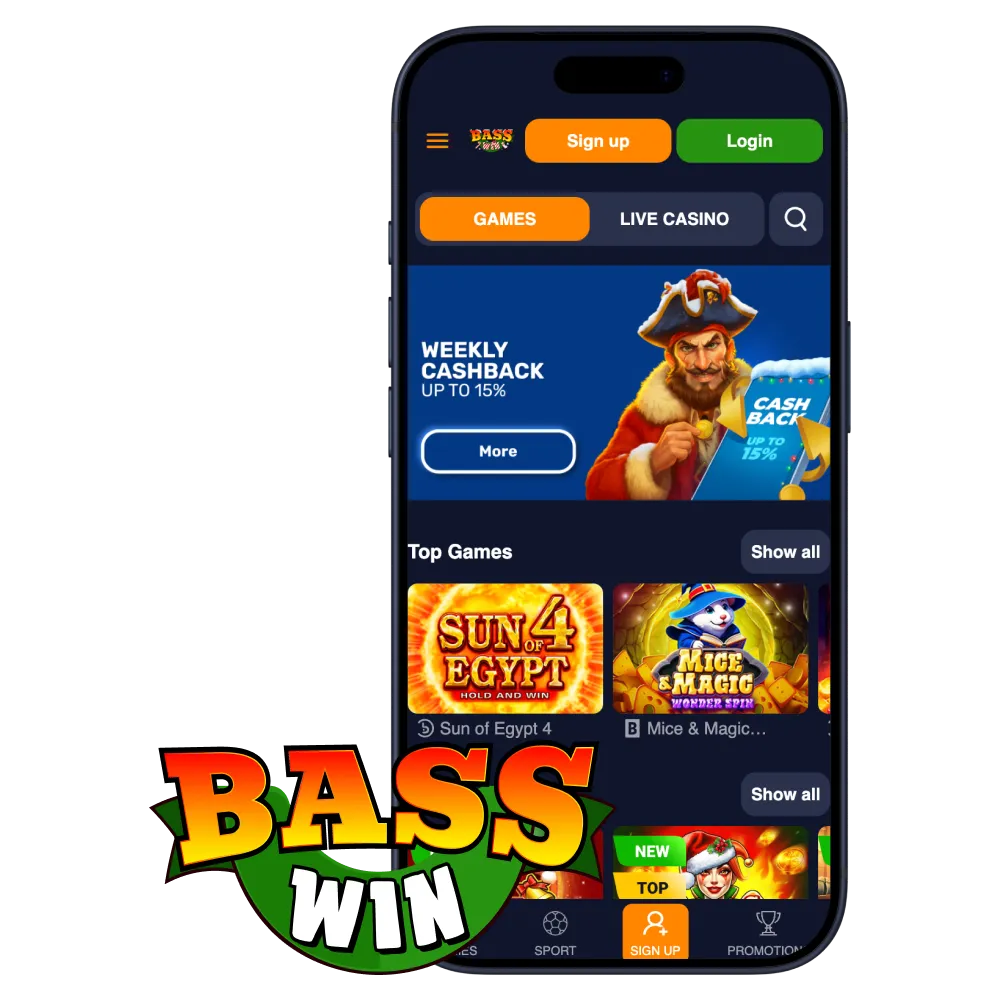
Click the Download for Android Button
Tap the button, open the Basswin site in Chrome, then follow the prompt to add to Home screen if shown.
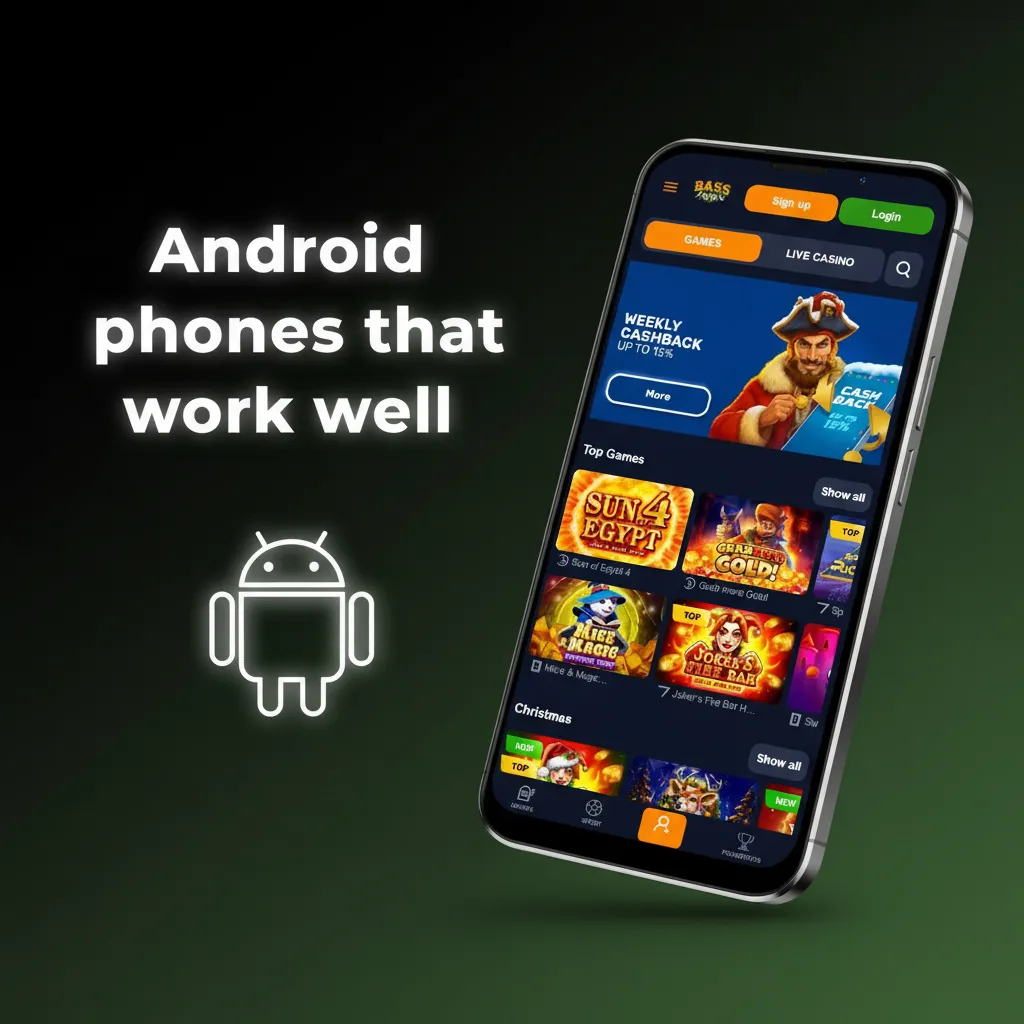
The native Basswin app is in development. There is no APK yet, but the Basswin web app (PWA) is ready to use on Android and iOS. Install it from your browser and bet or play slots in minutes. New players can claim one of four bonuses:
Start now and keep the Basswin icon on your home screen for fast access.
Use the Basswin PWA to get fast betting, live odds, and top casino titles on your phone. No store install needed, no APK required. Add it to your home screen and play in a tap.
You get quick access, automatic updates, and full Basswin features on mobile.
| App type | Web app (PWA) for Android & iOS |
| App size | Shortcut only, under 1 MB |
| Last update | PWA updates automatically on each visit |
| Welcome offers | 150% bonus on Sports & eSports (Min deposit: £22) |
| Supported languages | English |
| Payment methods | VISA, Mastercard, Bitcoin, Ethereum, Litecoin, Tether |
| Currencies | GBP, EUR (bonus mins shown in EUR) |
| Promo code | Optional, when available |
| Sports | Football, Tennis, Horse Racing, Cricket, Rugby, Boxing, MMA, Esports, more |
| Casino providers | Pragmatic Play, NetEnt, Play’n GO, Evolution, NoLimit City, BGaming |
| Fast actions | Bet in seconds, instant deposits, withdrawals from a few hours after approval |
| KYC | Required before first withdrawal |
Use the web app to avoid APK risks and get instant updates. It takes less than a minute.
Your Android phone now has Basswin ready on the home screen.
Tap the button, open the Basswin site in Chrome, then follow the prompt to add to Home screen if shown.
Tap Join, enter your details, set a strong password, and confirm your email or phone.
Open the Basswin icon from your home screen. You now have app-like access for betting and casino.
The PWA runs on most modern devices. Check these baseline requirements.
| Requirement | Minimum |
|---|---|
| Android OS | 8.0 (Oreo) or newer |
| CPU | 1.5 GHz or higher |
| Memory (RAM) | 2 GB or more |
Meeting these specs helps the app load fast and stay stable.
These popular models meet or exceed the requirements.
If your device is similar or newer, you can expect smooth performance.
Add Basswin to your home screen using Safari. It looks and feels like a native app.
You can launch Basswin from the icon any time to bet and play.
Open the Basswin site in Safari.
Tap Join, complete the form, and verify your contact details.
In Safari, tap the Share icon at the bottom of the screen.
Name the shortcut Basswin and confirm. The icon now appears on your home screen.
Most recent iPhones and iPads are supported. Here are the baseline requirements.
| Requirement | Minimum |
|---|---|
| iOS version | iOS 13 or newer |
| Processor | A11 Bionic class, ~2.39 GHz equivalent |
| Memory (RAM) | 2 GB or more |
Meeting these specs helps ensure fast loading and stable play.
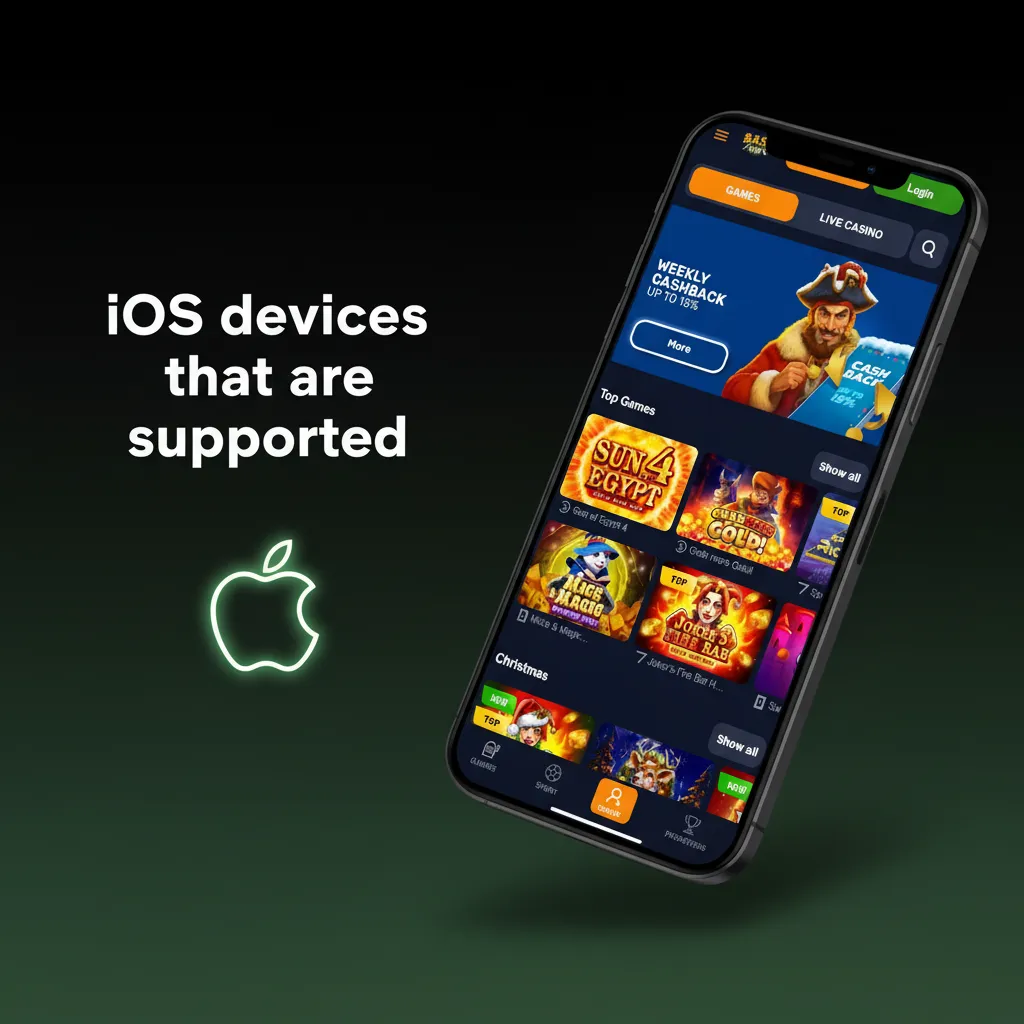
These models meet or exceed the requirements for the Basswin PWA.
If your device is newer, you can expect responsive performance.
Choose a start offer that fits your budget. Bonus terms, wagering, and game restrictions apply.
Sports promotions may run during major events; check the Promotions page after sign-up. Currency on bonus mins is shown in EUR; your cashier shows the GBP equivalent.
Pick the offer that suits your play style and budget.
Place singles or accas on top UK and global events. Live markets refresh quickly.
You can switch between pre-match and in-play in one tap.
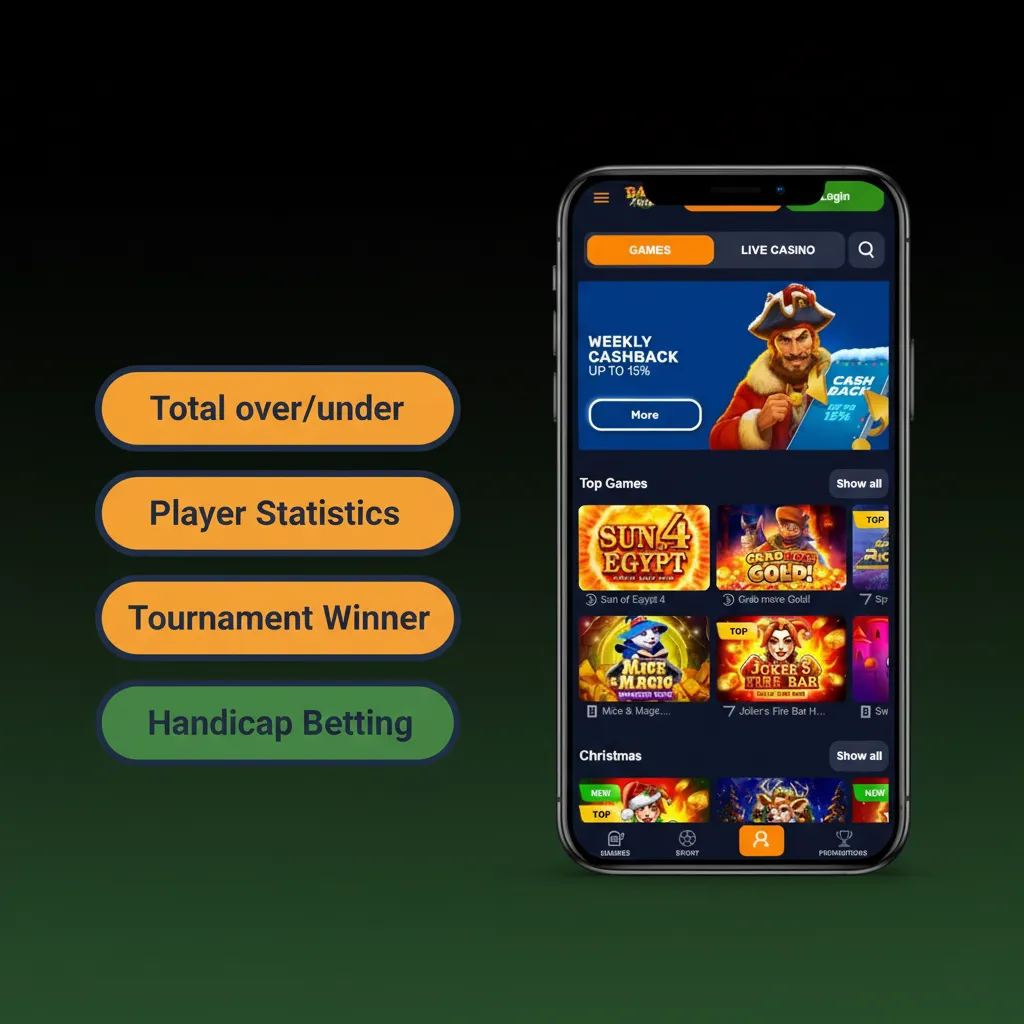
These options help you tailor risk and potential return to your preference.
It takes a few taps to bet on Basswin once you have funds in your account.
Your bet appears in your account and you can track it live.
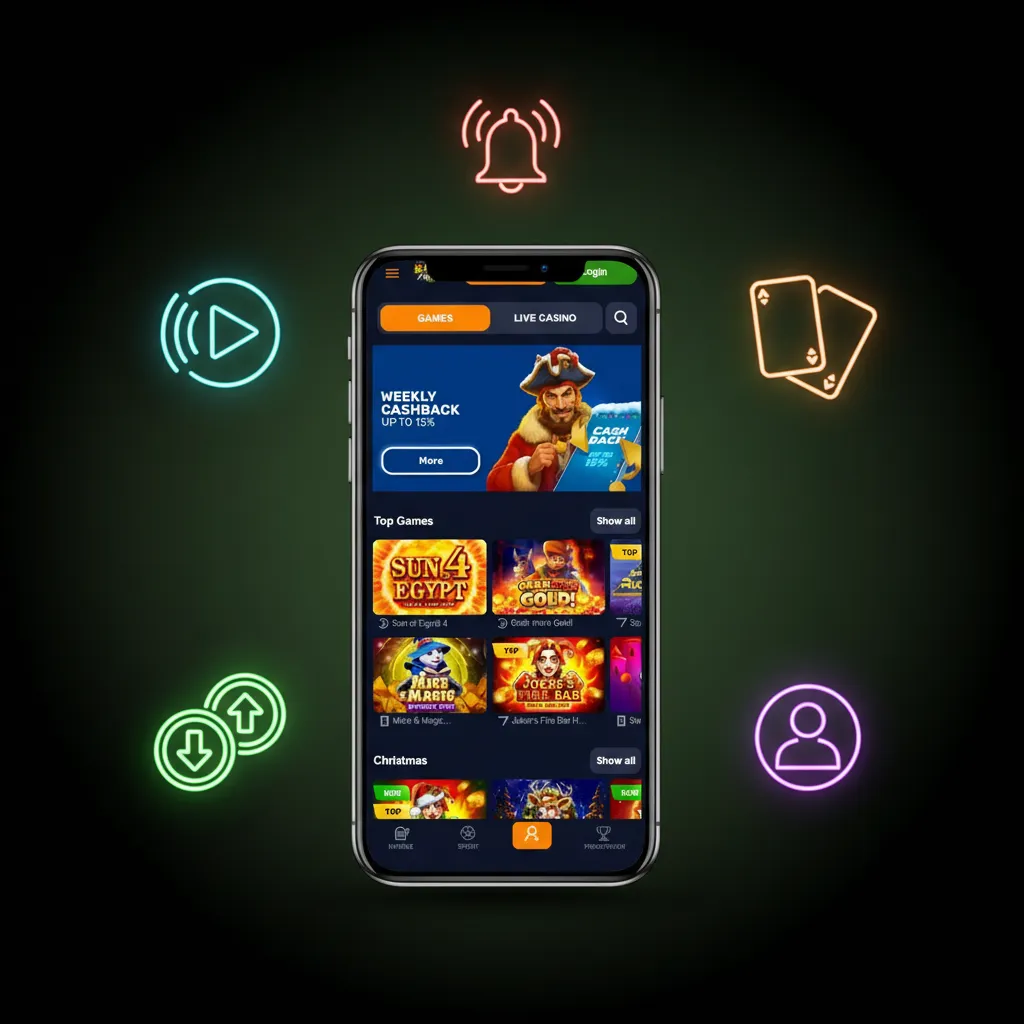
Enjoy top providers and well-known titles alongside live dealer tables.
You can filter by provider, volatility, or feature to find games faster.
Registration takes a couple of minutes and is required to play for real money.
Once verified, you can deposit and start betting or playing.
Access your account securely and resume where you left off.
You can now bet, play, deposit, or withdraw.
You do not need to update anything manually. The PWA loads the latest version every time you open it. Features, odds, and games refresh automatically.
If a page seems stale, refresh the tab or clear your browser cache to pull fresh assets. You always get the newest version from the website.
Deposits start from £10 per transaction. Withdrawals start from £20, and typical daily maximum is £5,000 (limits can vary by method and verification).
Your cashier shows your exact limits and processing times before you confirm.
Top up your account with a deposit in a few taps and start playing right away.
You can now place bets or launch casino games.
Withdrawals are processed to the same method where possible for security.
Ensure your details are correct to avoid delays in your withdrawal.
Get fast access to sports and casino, quick deposits, and responsive help when needed.
You get a focused mobile experience designed for quick bet placement and smooth gameplay.
Reach a real agent at any time and resolve issues quickly.
You can contact support before or after you register.
These answers help you start quickly and play safely.
Gambling in Great Britain is regulated by the Gambling Commission. You must use operators licensed for Great Britain. Availability of Basswin depends on your location and regulatory status shown in your account. Always follow local laws and be 18+.
Tap Log In, then Forgot password. Enter your email, follow the link sent to you, and set a new password. Contact support if the email does not arrive.
No. One account per person, household, device, and IP is standard policy. Duplicate accounts can be closed and winnings voided.
After approval, cards typically take 1 to 3 banking days. Crypto can arrive the same day. First withdrawals may take longer due to KYC checks.
You can register and deposit, but you must complete identity and address checks before your first withdrawal. This protects your account and payments.
Updated: